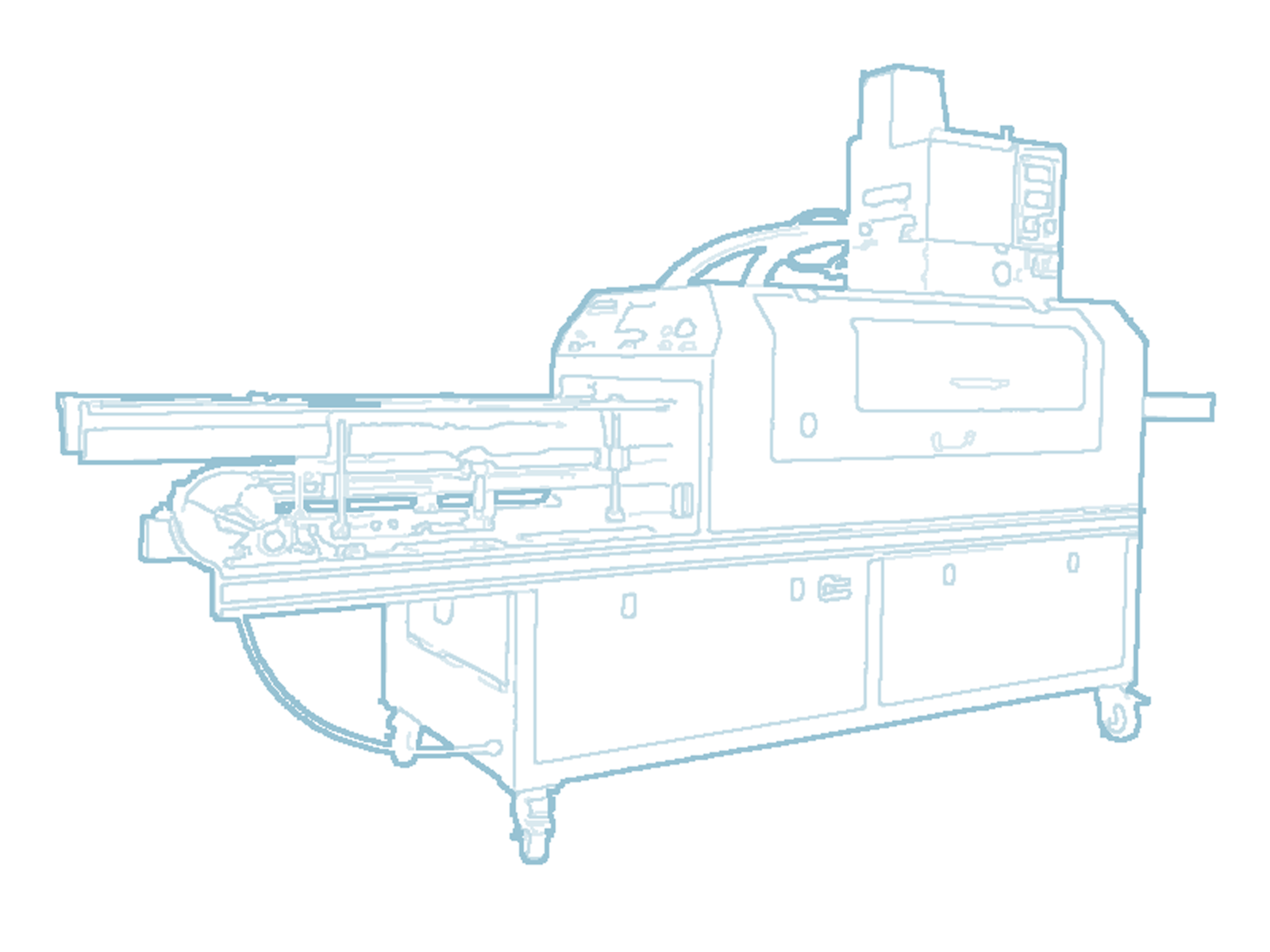
 00:01
00:0101 · working footage
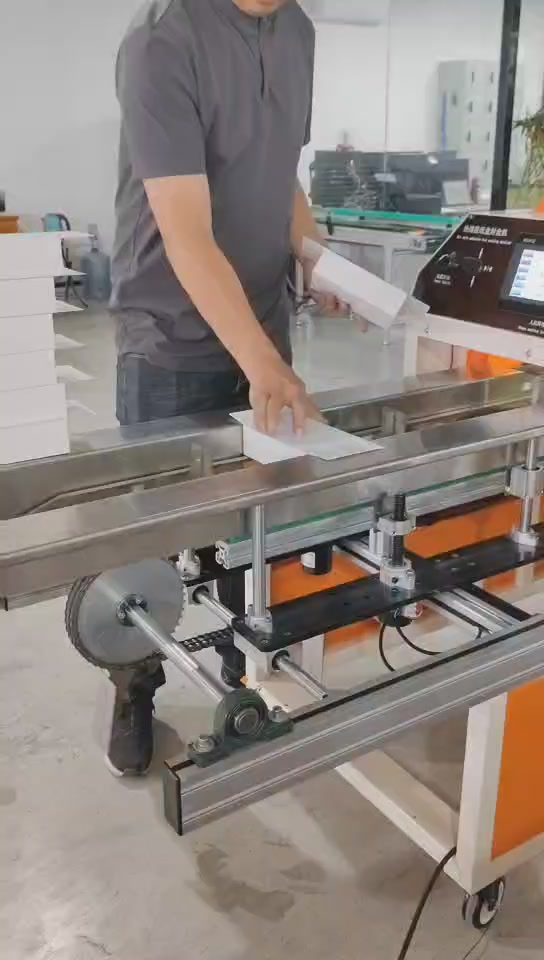
Load
A flat, empty carton enters between the feed rails.
Watch flat, empty carton loading and the forming sequence. Then share your carton geometry and whether sealing happens before or after filling.
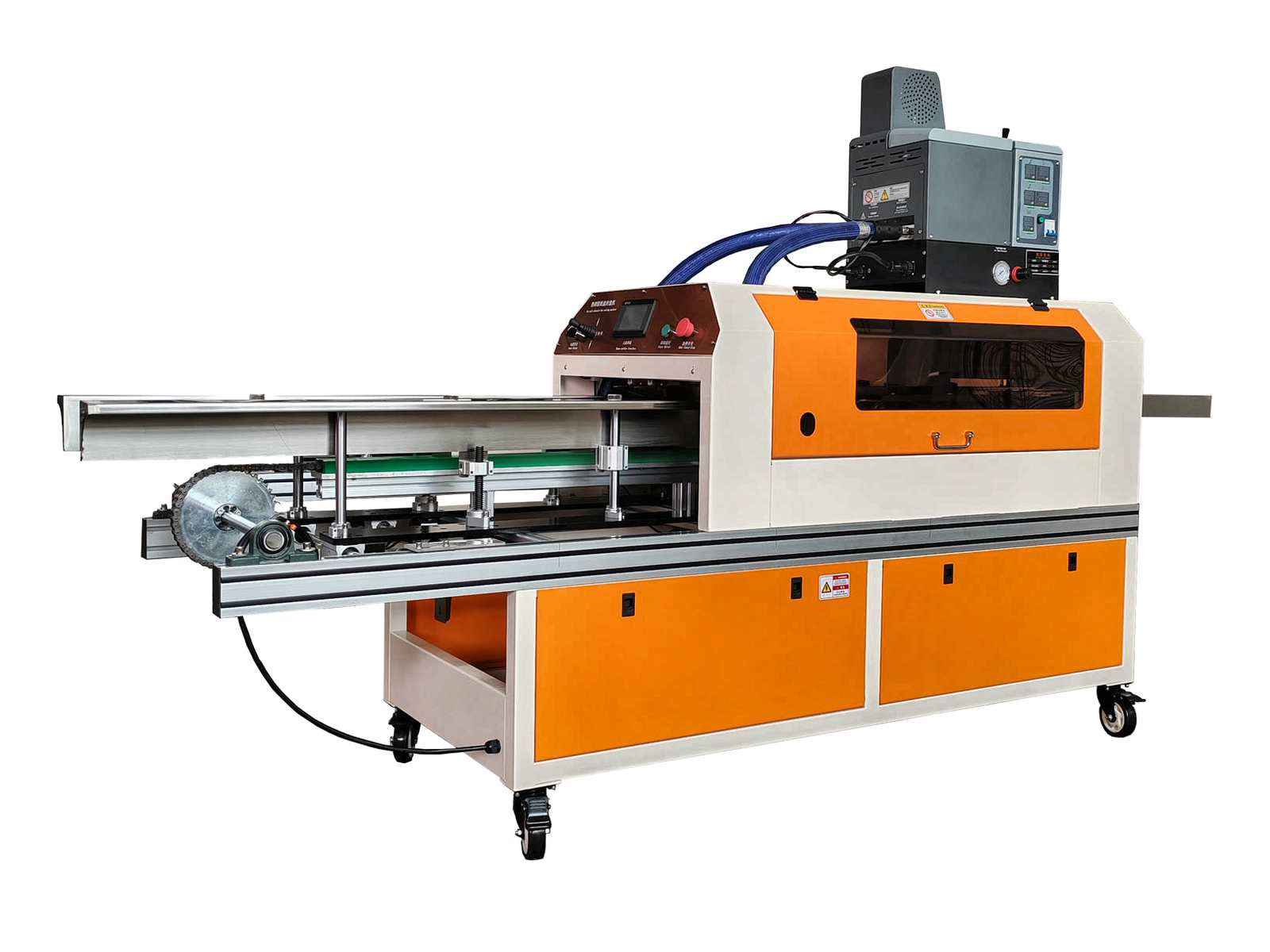
A 40-second view of CK-E020-1: flat, empty carton loading, conveying and pressing, then the formed carton and adhesive location.
The footage does not demonstrate sealing after tissue filling or measure bond strength. Those questions need your actual carton.
See machine specifications →The operator loads a flat, empty carton between the feed rails. The video shows the control panel, conveying and actuator motion, followed by pressing. The formed empty carton is presented and the edge opened to expose the adhesive location. This is a visual inspection, not a bond-strength test. Catalogue values are not measured by this video.
Each frame comes from the supplied CK-E020-1 working video. It documents what is visible, not an inferred performance result.
00:01A flat, empty carton enters between the feed rails.
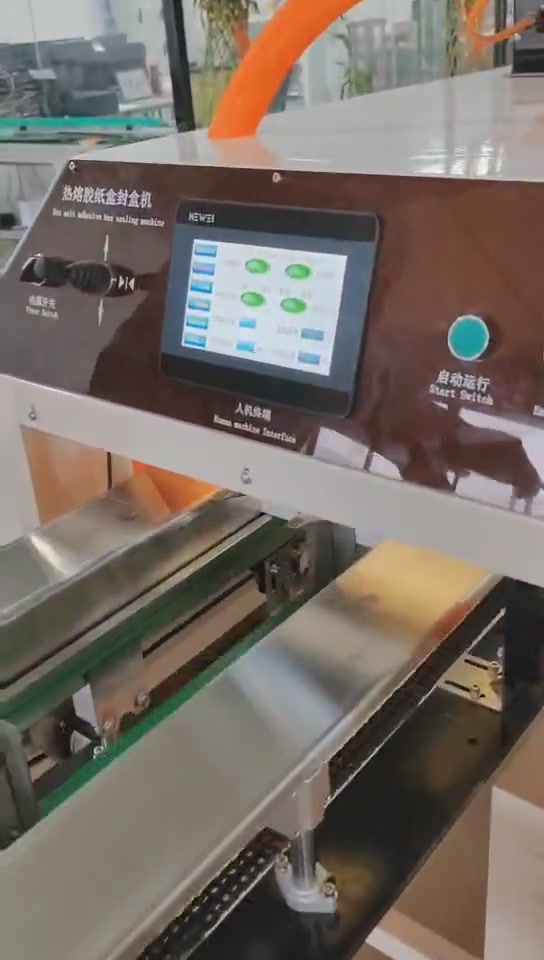 00:07
00:07The HMI and start control are shown at the machine.
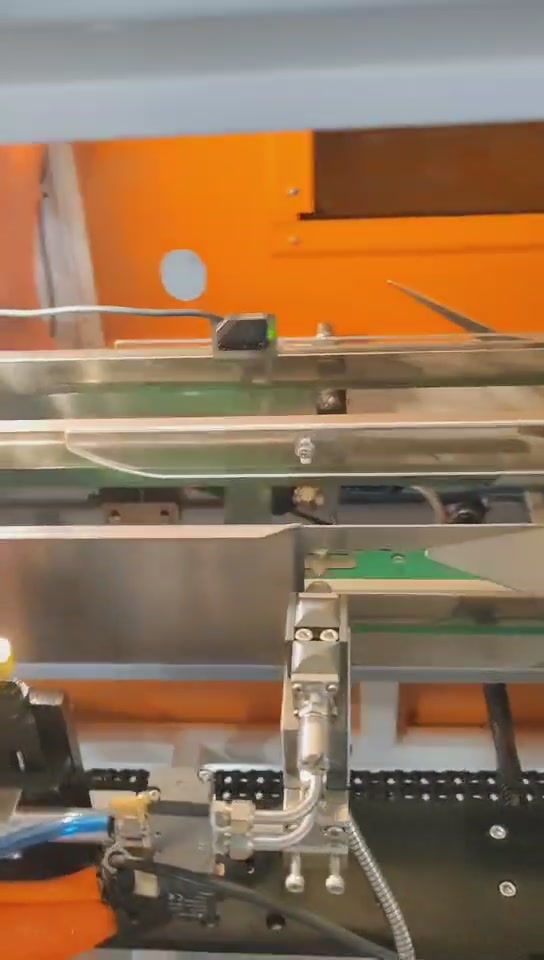 00:10
00:10Sensing and actuator motion are visible in sequence.
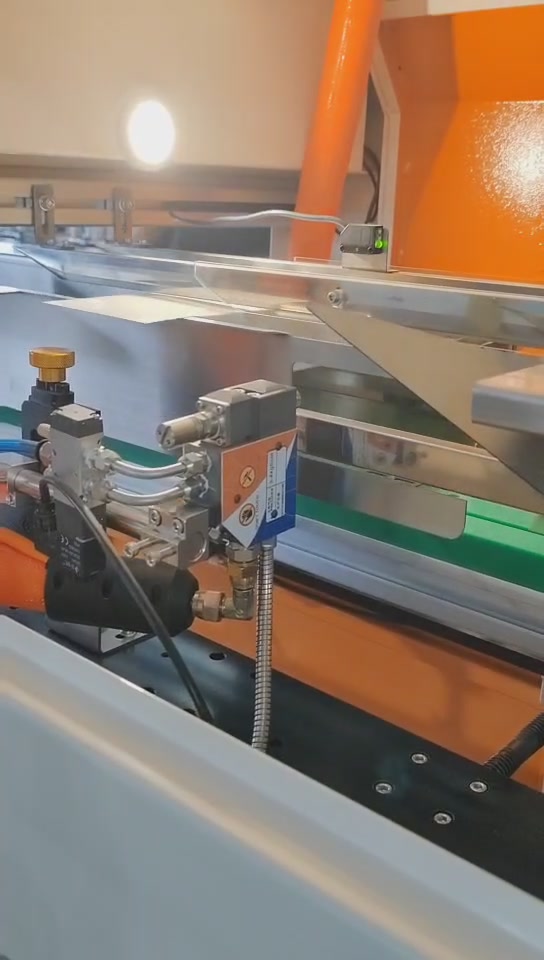 00:15
00:15The carton moves through the processing area.
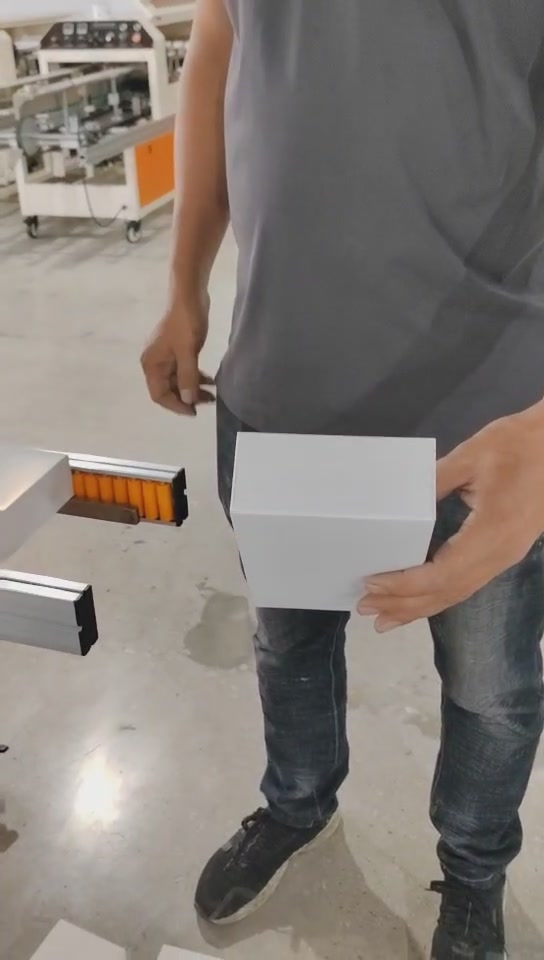 00:22
00:22The operator presents the formed empty carton.
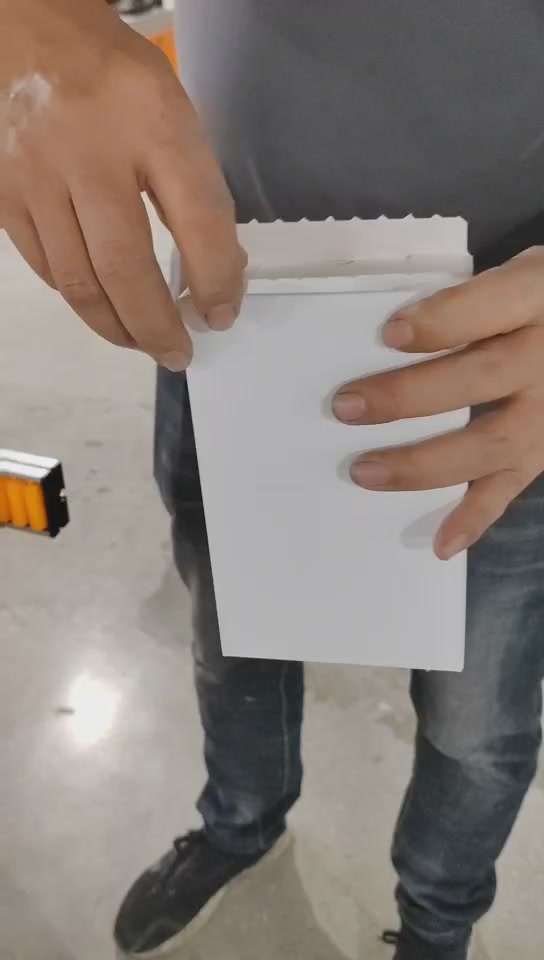 00:36
00:36The adhesive location is opened for visual inspection.
This demonstration starts with a flat, empty carton. A filled retail carton requires its own review.
Check the dimension axes, feed orientation and flap access. Being inside a catalogue range does not by itself confirm suitability.
Actual compatibility, approved output and seal outcome remain subject to the sample and signed technical agreement.
Tell us about your carton and line. We’ll review the requirements with you.
You can send photos or a dieline by email after submitting.